













arc
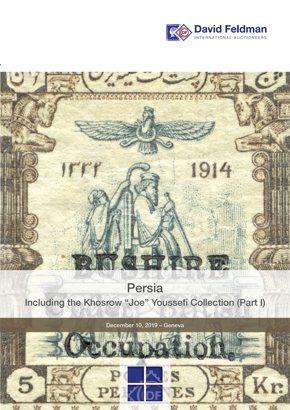
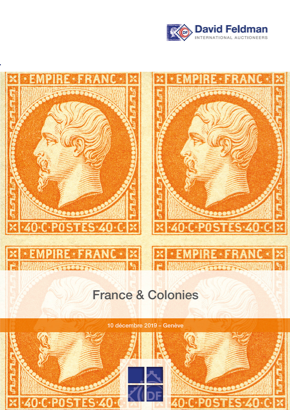
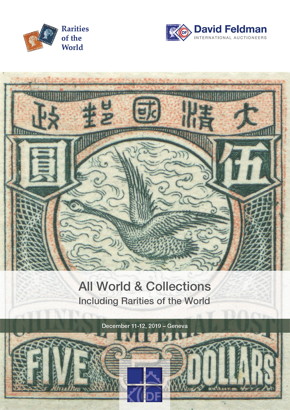
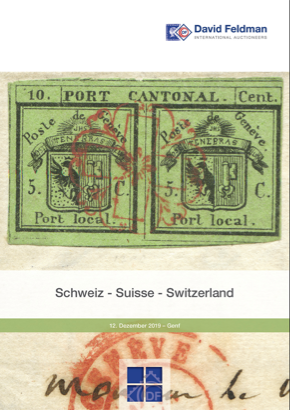
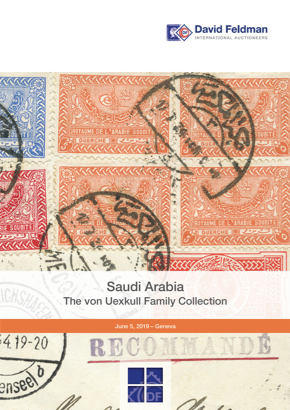
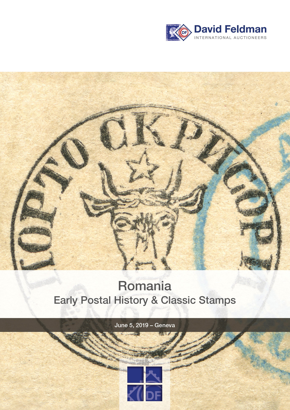
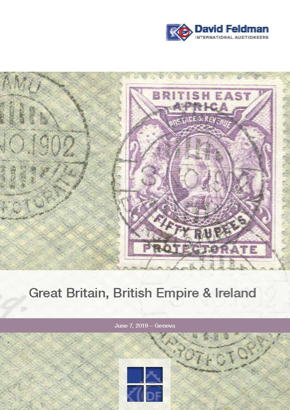
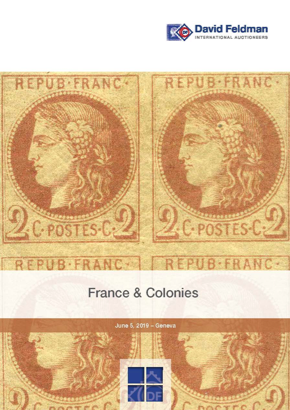
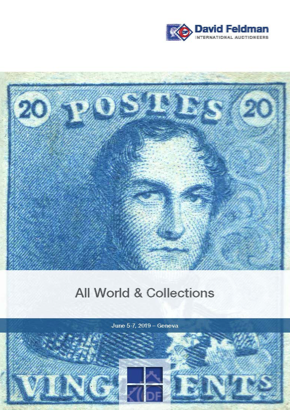
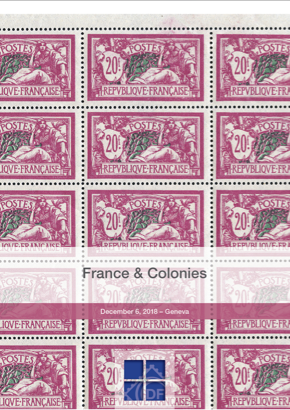
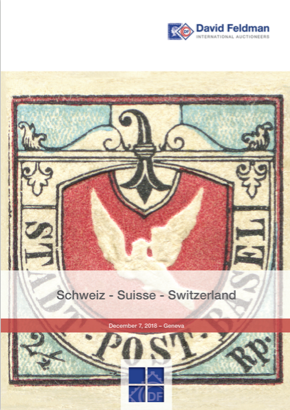
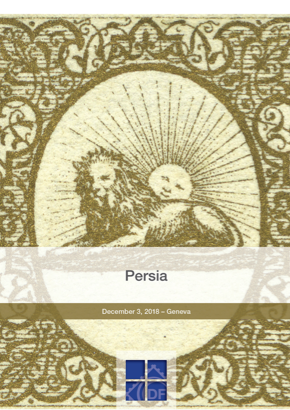
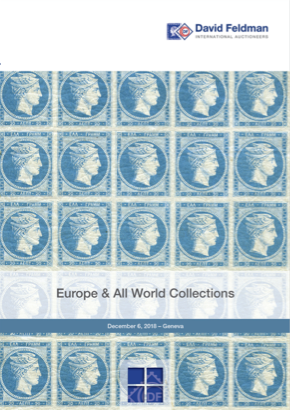
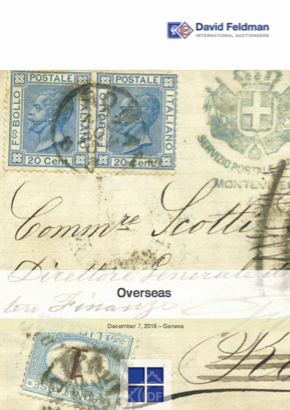
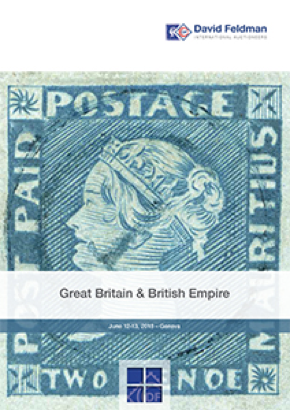
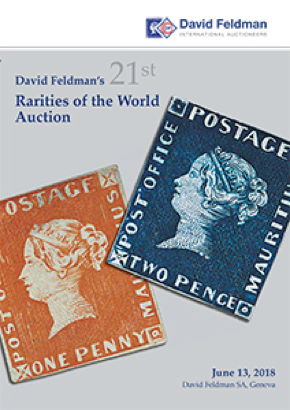
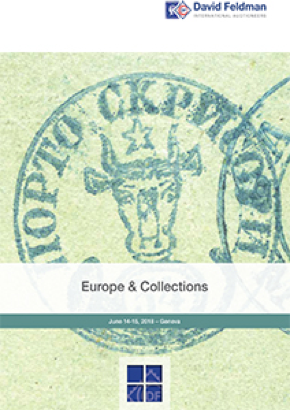
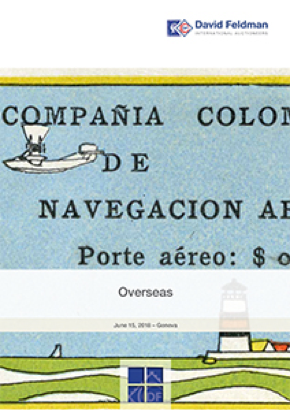
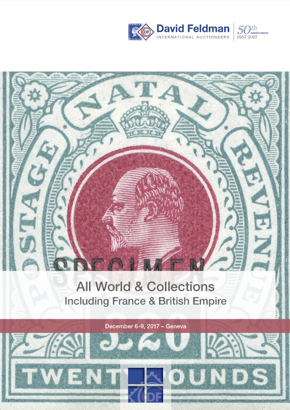
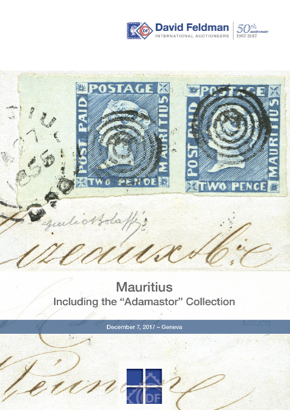
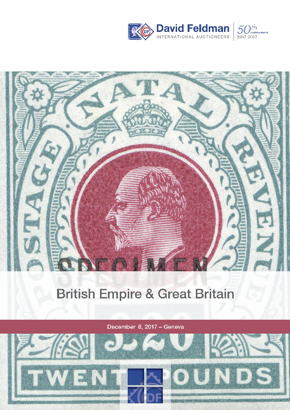
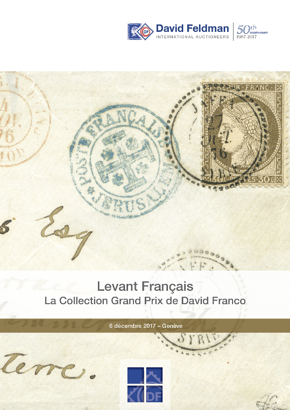
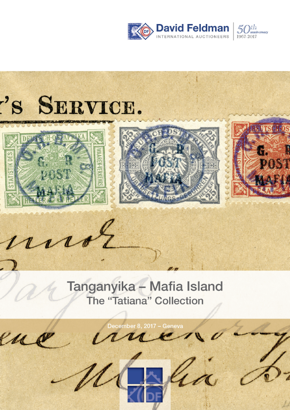
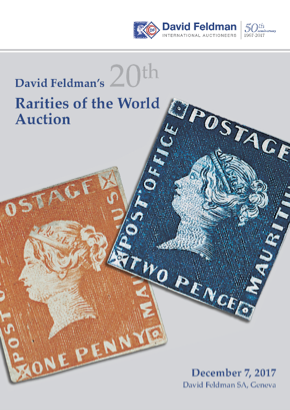
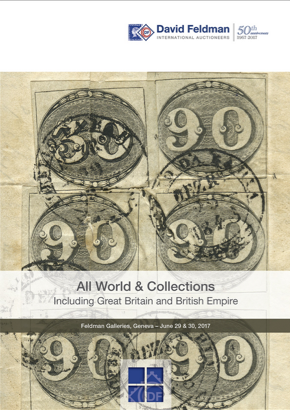
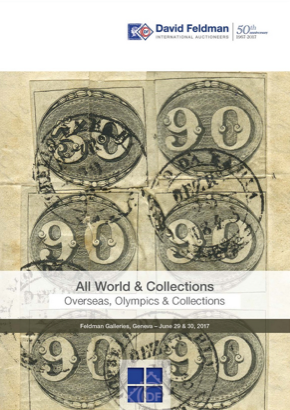
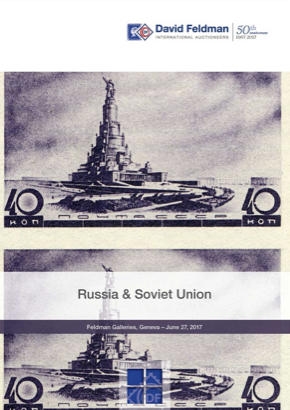
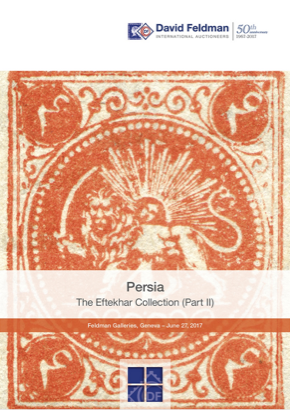
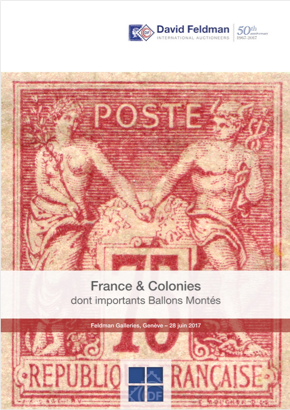
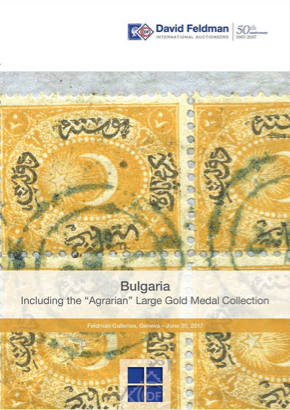
CLICK ON CATALOGUE COVER TO OPEN


Catalogues:
To open a catalogue, click on the desired cover, then wait for the catalogue to be loaded. Once it's loaded, you can browse the catalogue using the following buttons:

Index (at left) by country, section or region.
Overview of all pages. Select page to view.
Full screen mode (Press «Esc» on your keyboard to return to the normal view.)
Save catalogue to your hard disk as a PDF.
This will bring you back to the starting page.


Copyright © 1997-2009 David Feldman SA - All Rights Reserved.